Contents
- The event registration page formula
- Event registration page anatomy: what belongs where
- Build the shortest form your event can survive
- The confirmation page is part of registration
- Turn each RSVP into the next one
- Promote the page on a timeline, not in a panic
- Add event structured data to the actual event page
- Measure registrations and attendance separately
- Pre-launch checklist
- Event registration page FAQ
- The practical takeaway
Your event registration page does not need more decoration. It needs fewer unanswered questions.
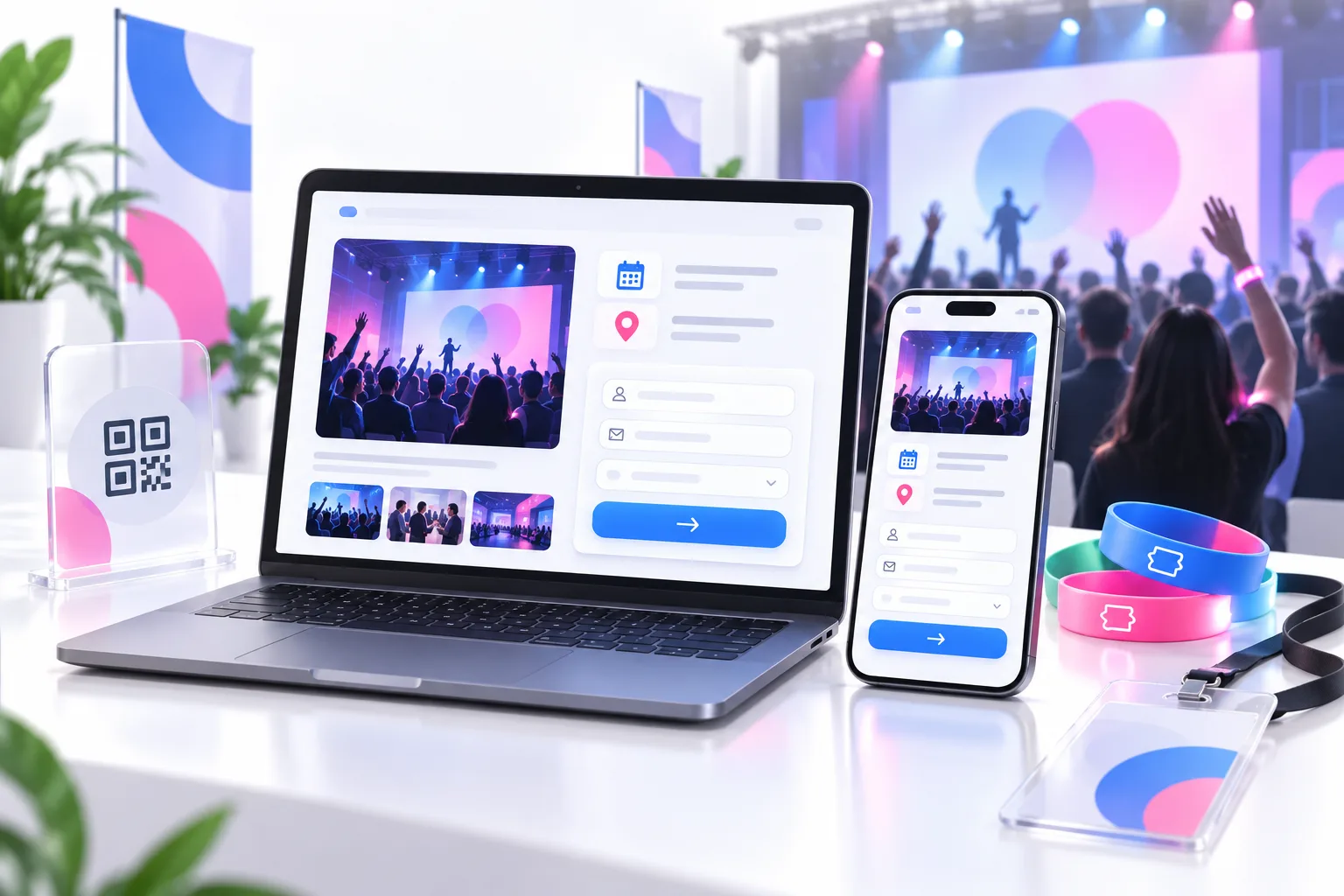
A visitor should understand what the event is, who it is for, what they get, when and where it happens, what it costs, and how to register without hunting. Then the page should confirm the RSVP, add the event to their calendar, and give the right attendees an easy way to invite someone else.
That is the entire conversion system.
If you want an RSVP page with a bring-a-friend loop, start with a KickoffLabs event promotion campaign. You can collect registrations on a hosted page or embed, issue personal invite links, reward referrals, and sync registrants to your email platform for event reminders. Confirmation emails depend on your plan and campaign setup; check those settings before promising one to attendees.
This guide covers the page structure, form fields, promotion timeline, accessibility and privacy checks, and post-registration flow that turn clicks into people who actually show up.
The event registration page formula
A high-converting event registration page follows a simple order:
- Promise: What useful or memorable thing will happen?
- Coordinates: When, where, and in which time zone?
- Fit: Who should attend—and who should skip it?
- Proof: Why trust the host, speakers, or experience?
- Commitment: What does it cost, and what are the terms?
- Action: How does someone reserve a place right now?
- Confidence: What happens immediately after registration?
Most weak RSVP pages scramble that order. They open with the organizer’s mission, bury the date, list six sponsors, and make the visitor scroll past a photo carousel to find the button.
Do the opposite. Put the attendee’s decision first.
Event registration page anatomy: what belongs where
1. Above the fold: outcome, date, place, action
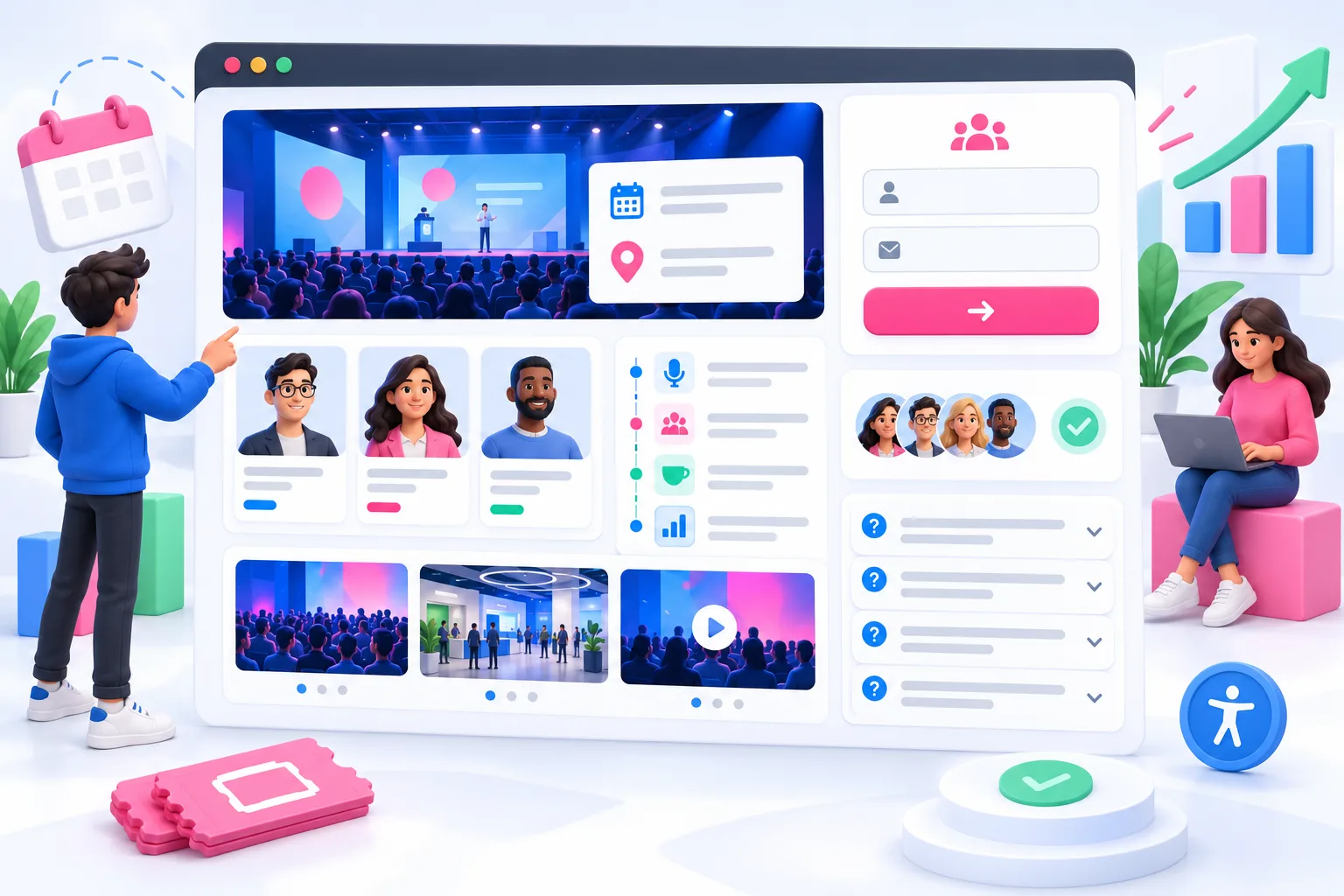
Your first screen has one job: earn the next click.
Use a headline that names the event and outcome. “Founder Growth Summit” is a label. “Leave With a 30-Day Plan to Find Your First 100 Customers” is a reason to attend.
Directly below it, show:
- Date and start time
- Time zone
- Venue and city, or “Online”
- Price or “Free”
- One primary button: Register, Save My Seat, or RSVP
If the event has limited capacity, say so only when the limit is real. Fake scarcity is still fake.
For a deeper conversion pass, use our landing page best-practices guide. The same fundamentals apply: clear promise, obvious action, fast mobile experience, and no competing exits.
2. The value block: make attendance concrete
“Network with industry leaders” is event-copy wallpaper. Every conference says it.
Tell people what they will leave with. A strong value block might promise:
- A working campaign plan reviewed in the room
- Three live teardowns with reusable templates
- Direct access to buyers in a specific market
- A product demo plus office hours with the team
- A recording and workbook for registered attendees
Keep it to three to five outcomes. If you need fifteen bullets to sell the event, the offer is not focused enough.
3. Agenda and speakers: prove the promise
Your agenda should answer, “What will I learn or experience?” It should not read like a warehouse schedule.
Instead of “2:00 PM — Panel,” write “2:00 PM — How Three Bootstrapped Teams Got Their First 500 Customers.” Use speaker bios to establish relevance, not to reproduce LinkedIn. One sentence about why this person can teach this session is enough.
If the schedule is not final, publish what is confirmed and label the rest honestly. “More speakers coming” is fine. Invented certainty is not.
4. Proof: reduce the risk of wasting time
Event registration is a trust decision. Even a free webinar costs an hour.
Useful proof includes:
- Photos from the same event in a prior year
- A short quote from a past attendee
- Confirmed speaker or partner logos
- The number of prior attendees, if verified
- A specific host track record
Skip generic stock photos of people wearing lanyards. They prove only that stock photographers have attended conferences.
5. Logistics and FAQ: remove quiet objections
Answer the questions that stop a registration:
- Is the event online, in person, or hybrid?
- Which time zone controls the schedule?
- Is parking available?
- Will a recording be sent?
- What does each ticket include?
- Can a ticket be transferred or canceled?
- What accessibility arrangements are confirmed?
- How can someone request another accommodation?
- Who handles registration support?
Do not bury refund terms until checkout. Eventbrite’s event-listing guidance calls for clear dates, location, registration details, accommodations, and refund policy. That is not glamorous advice. It is useful advice.
Build the shortest form your event can survive
The best registration form is not the form that gives marketing the richest spreadsheet. It is the form that gets the right person registered and gives operations what it needs.
For a simple free webinar, start with:
- Name
For more complex events, add only fields tied to a real next step:
- Ticket or attendance type
- In-person versus online
- Session selection when capacity differs
- Payment details for paid registration
- Dietary needs when food is served
- Accessibility or accommodation request
- Guest information for group attendance
Company, job title, phone, mailing address, shirt size, and “How did you hear about us?” might be useful. That does not make them necessary before the RSVP. Collect optional enrichment after confirmation when possible.
Cvent’s event registration form guidance makes the same practical point: long forms create abandonment; the initial form should ask for essential information and work on mobile. Treat that as a design constraint, not a suggestion.
Explain why sensitive information is needed
If you ask for accessibility, dietary, travel, or identity information, tell the attendee who will use it and why. Do not ask for a diagnosis when the operational need is an accommodation.
The W3C Web Accessibility Initiative’s event checklist recommends asking participants about accessibility requirements, checking the venue or remote platform, and sharing accessible materials in advance. Put the request route on the registration page, then assign a real person to monitor it.
The page and form also need the basics: persistent labels, keyboard access, clear focus states, helpful error messages, sufficient contrast, descriptive image alt text, and a registration flow that works at a phone width.
The confirmation page is part of registration
A generic “Thanks!” screen creates doubt. Did the form work? Is the place confirmed? What happens next?
Your confirmation page should restate:
- Event name
- Confirmed ticket or attendance type
- Date, time, and time zone
- Venue or online-access expectation
- Add-to-calendar action
- How to modify or cancel
- Support contact
- What email to expect and from which sender
Then arrange to send a confirmation email immediately. If you use KickoffLabs for the RSVP, check whether your plan and campaign email setup support the confirmation you need; otherwise send it through your connected email platform. Schedule pre-event reminders in that platform, not in the event campaign.
Keep logistics at the top. Google’s Gmail EventReservation documentation supports markup for attendance confirmations, including the event, status, reservation number, ticket, and cancellation or confirmation URLs. You do not need structured email markup to send a useful confirmation, but the specification is a good checklist for the information a registrant expects.
Do not turn the confirmation into a surprise marketing blast. The FTC’s CAN-SPAM guidance distinguishes transactional or relationship content from commercial content and warns that the categories are narrow. Keep operational messages operational. Use a separate, honest choice for future promotional email, and get legal advice for the locations and audiences you serve.
Turn each RSVP into the next one
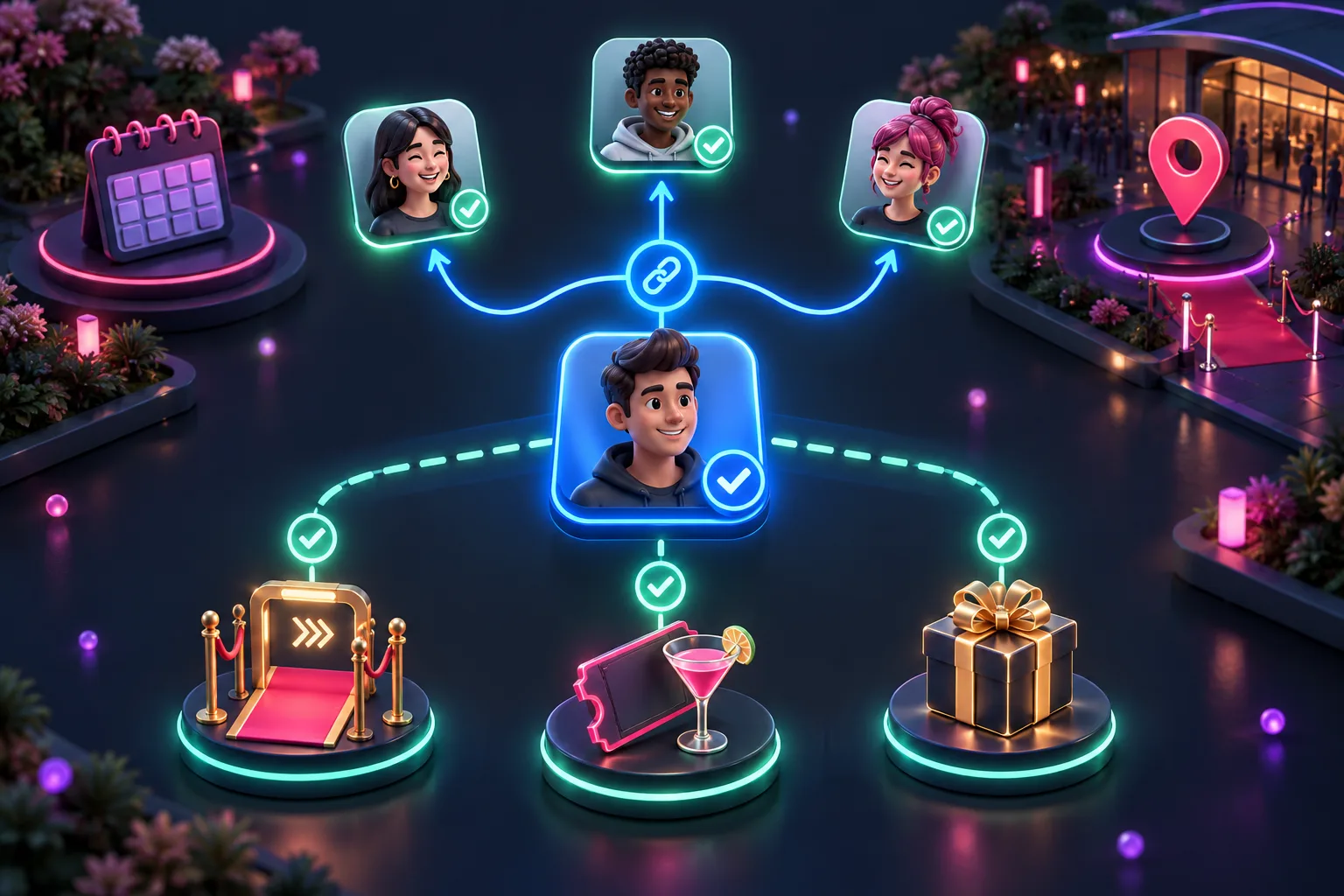
Most event marketers treat registration as the finish line. It is the handoff.
The person who just registered is your most credible promoter. Give them a personal invite link on the confirmation page and in the email. Then reward the behavior that helps the event—not random clicks.
Useful event referral rewards include:
- Priority entry after one qualified referral
- Reserved seating after three
- A drink ticket or merchandise pickup
- Access to a speaker Q&A
- Extra door-prize entries
- A private post-event recording or workshop
Keep the reward tied to the event. A giant general-interest prize may bring a bigger list and a worse room.
KickoffLabs can track each personal invite link and unlock milestone rewards as verified friends register. If your event includes a door prize, read the giveaway legal best-practices guide and get qualified legal review for your promotion. An RSVP does not make prize rules disappear.
Promote the page on a timeline, not in a panic

A single announcement is not a promotion plan. Build a sequence around reasons to register.
Four to six weeks out: publish the core promise
Launch the page with confirmed date, format, audience, outcome, price, and first speakers. Email the people already closest to the event: customers, community members, past attendees, partners, and speakers’ audiences.
Give each partner a trackable link and ready-to-edit copy. Do not make them invent your pitch.
Three weeks out: add proof
Share a speaker clip, past-event moment, sample template, or agenda detail. Point every asset back to the same registration page.
This is also when attendee referrals can start compounding. A relevant invitation from a confirmed guest usually carries more trust than another branded post.
One to two weeks out: answer objections
Publish the practical details: schedule, parking, recording policy, accessibility arrangements, refund deadline, or what to bring. These updates help undecided visitors and reduce support load for people already registered.
If registration is behind plan, fix the page and offer before buying more traffic. Sending paid clicks to a confusing page is an expensive way to confirm that the page is confusing.
Final 48 hours: remind, do not resell
Registered attendees need time, location, join link, calendar reminder, check-in instructions, and a support route. Prospects need the closing deadline and the most compelling outcome.
Those are different messages. Segment them.
Our prelaunch promotion guide has more channel ideas, and the event social-media guide covers how to turn the event itself into useful promotion before, during, and after the date.
Add event structured data to the actual event page
If the page represents one public event, Event structured data can help search engines understand its name, dates, location, status, images, and ticket offer.
Google’s Event structured data documentation is specific: each event needs a unique leaf URL, the page should focus on one event, and the markup must match visible content. It also explains how to preserve the original date and update eventStatus when an event is postponed, canceled, or rescheduled.
Do not put fictional Event markup on this guide. Put accurate markup on the individual event registration page and validate it with Google’s Rich Results Test.
Measure registrations and attendance separately
A full registration list and a half-empty room is not a win.

Track the funnel in stages:
- Unique registration-page visitors
- Registration starts
- Completed registrations
- Qualified referred registrations
- Confirmation-email delivery
- Calendar additions, if available
- Cancellations
- Check-ins or verified attendance
- Post-event engagement
Use channel and partner tags so you know which promotion produced registrations. Then compare registration sources with attendance and downstream value.
A partner who sends 40 registrations and 35 attendees may be better than an ad that sends 100 registrations and 20 attendees. Optimize for the room you want, not the biggest spreadsheet.
Pre-launch checklist
Before sharing the link, complete the whole journey yourself on desktop and a real phone.
- Confirm the headline, date, time zone, location, price, and primary CTA
- Register with a fresh email address
- Test every ticket and attendance path
- Check capacity, waitlist, and closing behavior
- Verify payment, fees, refunds, and receipts if the event is paid
- Read privacy, consent, cancellation, and prize terms
- Complete the form using only a keyboard
- Check labels, errors, contrast, alt text, and accommodation routing
- Open the confirmation page and email on mobile
- Test calendar links and virtual join instructions
- Test modify, transfer, cancellation, and support routes
- Verify referral attribution and rewards if enabled
- Confirm analytics tags and source reporting
- Rehearse check-in with the exported or live attendee list
Do not test only the happy path. Use a sold-out ticket, mistyped email, duplicate registration, declined payment, canceled RSVP, and expired deadline. Event day is a bad time to learn which state your system forgot.
Event registration page FAQ
What should an event registration page include?
An event registration page should show the event name, date, time zone, location or online format, intended audience, specific attendee outcome, price, refund or cancellation terms, accessibility information, and one clear registration action. Keep the initial form to information you need before confirming the RSVP.
How many fields should an event registration form have?
For a simple free event, start with name and email. Add ticket type, attendance mode, payment, dietary needs, accessibility requests, or session choices only when the event requires them. Every field should change what you do before or during the event.
What is the difference between an RSVP page and an event registration page?
An RSVP page usually records whether an invited guest plans to attend. An event registration page may also handle public discovery, ticket types, payment, capacity, sessions, consent, and attendee logistics. Both should confirm the registration immediately and explain what happens next.
How do you promote an event registration page?
Start with your owned email list, speakers, partners, customers, and community. Give every channel a trackable link, schedule useful updates instead of repeating the same announcement, and ask confirmed attendees to invite relevant peers. Paid promotion should come after the page and registration flow work.
Can KickoffLabs build an event RSVP page?
Yes. KickoffLabs can host or embed an RSVP page, screen entries, issue personal invite links, track referrals, and unlock rewards. Confirmation emails depend on your plan and campaign setup; send event reminders from your connected email platform. For paid tickets, arrange checkout through a separate ticketing or payment system rather than assuming this RSVP campaign processes ticket payments.
The practical takeaway
An event registration page should make attending feel valuable and registering feel easy.
Lead with the outcome. Put the coordinates and price where nobody can miss them. Ask only for information you will use. Confirm the RSVP immediately. Then use reminders and personal invite links to turn registration into attendance—and one attendee into the next.
Build your event promotion campaign with KickoffLabs, test the complete path, and stop sending good traffic to pages that make people work to say yes.