Popups for giveaways, waitlists and opt-ins in minutes
KickoffLabs popups go beyond basic lead generation with viral referrals, giveaways, milestone rewards and leaderboard campaigns. They support every campaign type and can be customized for your site, your funnel and when they open.
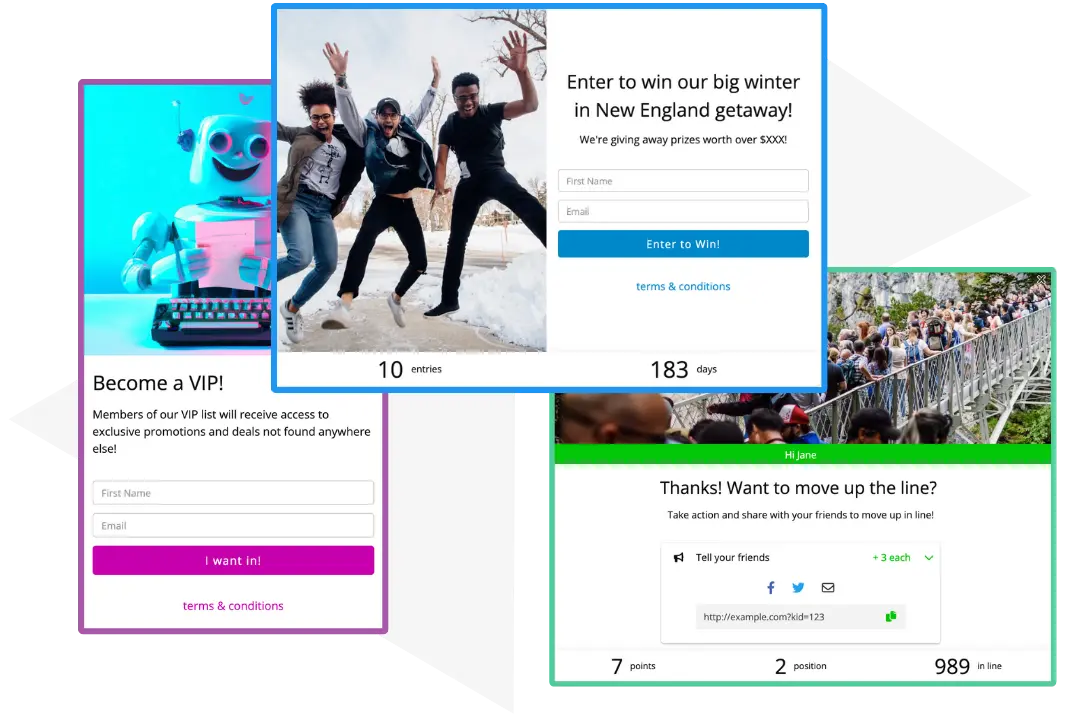
What is a KickoffLabs Popup Box?
A Popup Box is a KickoffLabs campaign form in a box on your site. It can open on a timer, from a link, on exit intent or after signup, and it brings your campaign's actions, rewards, countdown and leaderboard with it. No technical knowledge required.
Smart defaults and easy editing
Get a branded template quickly, then make it yours.
A Popup Box is created for you automatically and customized for your campaign type.
Add a phone number, first name or any custom form field.
Use campaign settings for actions, rewards, countdowns and common text to save time. Popup Boxes work on mobile automatically.
The best giveaway features, deployed in record time
Every KickoffLabs campaign feature works inside a Popup Box.
Add Popup Boxes to your existing customer flows
Trigger on visit with a timer
Use it across your site or on specific pages, and open it after a set number of seconds.
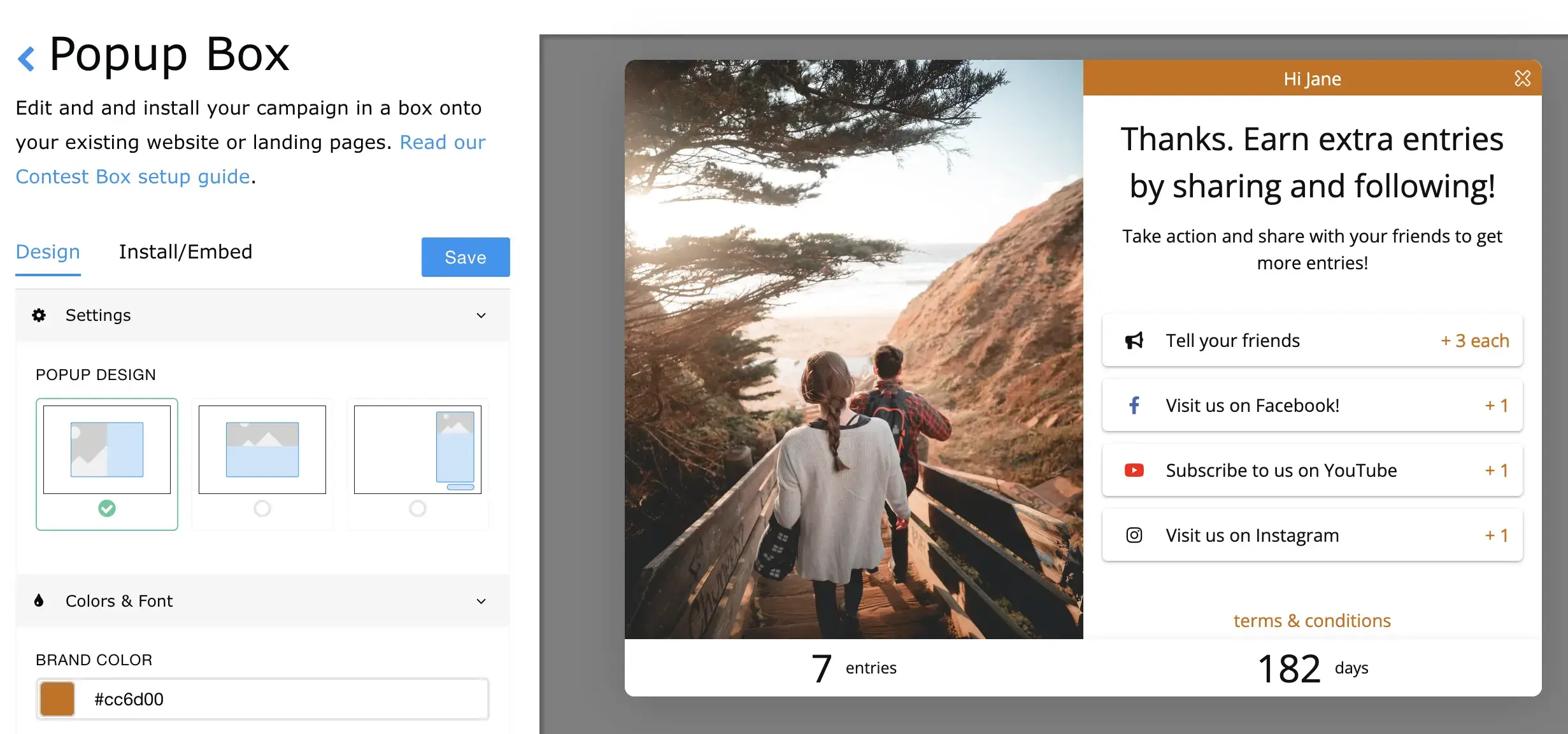
On click: landing page entry forms
Use a Popup Box for lead capture on any landing page with a simple link.
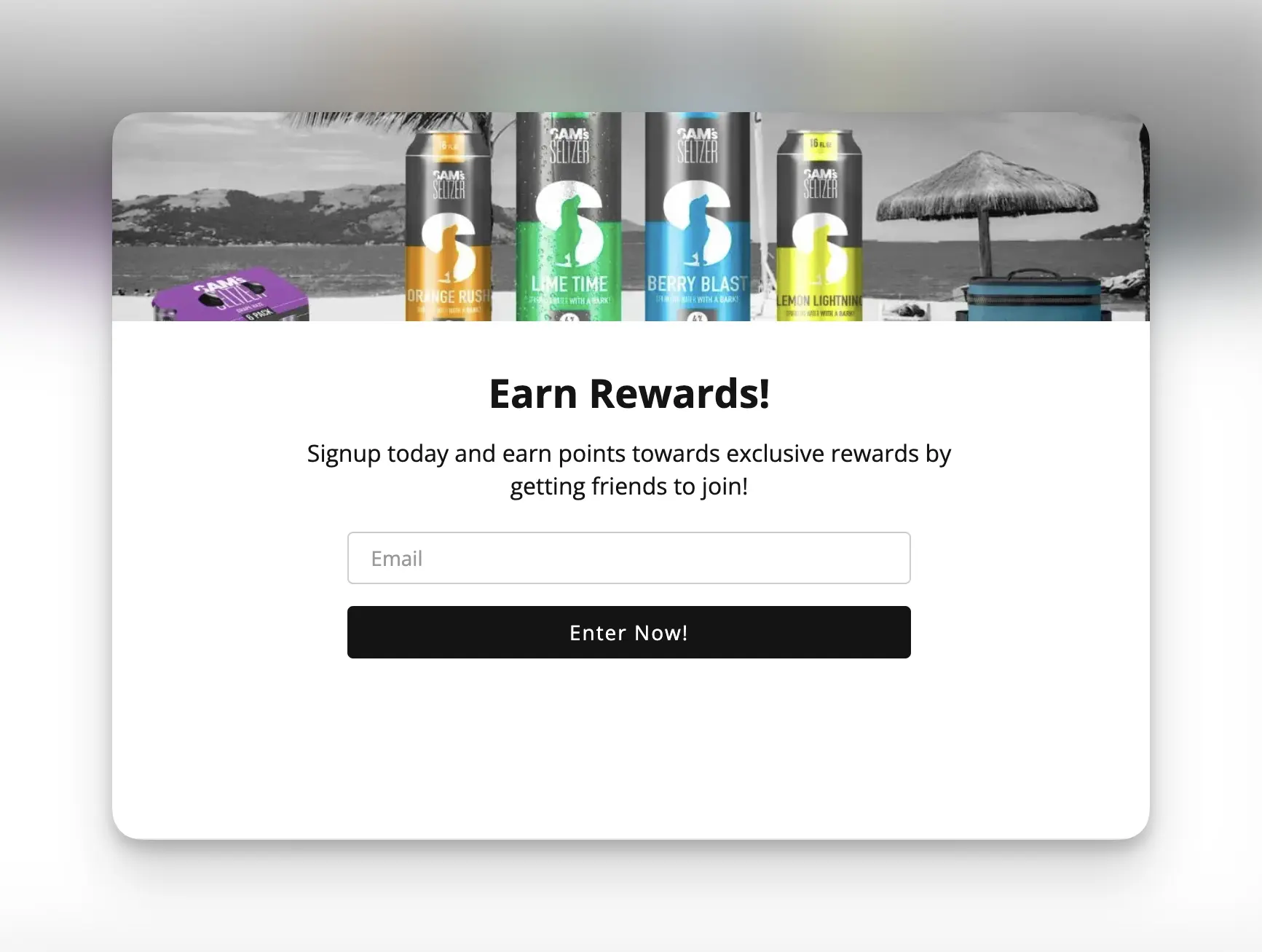
On exit intent: capture before they leave
Show the popup on your landing pages when a lead goes to leave.
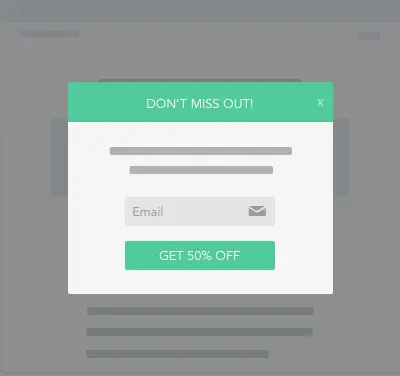
On signup: thanks and share
Combine AnyForm and a Popup Box to add a thanks-and-share step to any form, from KickoffLabs or another platform.
About AnyForm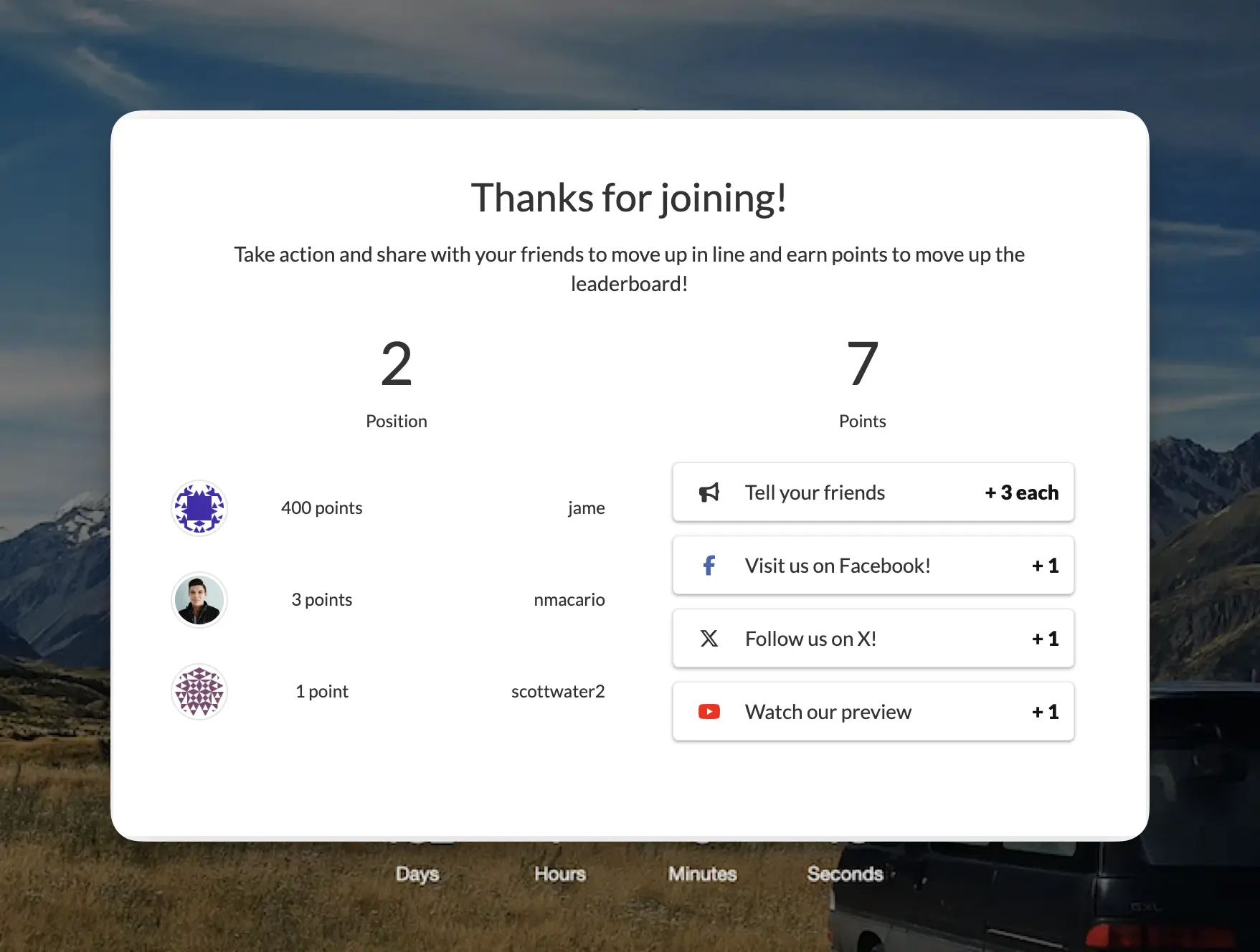
See Popup Boxes in action

“Working with KickoffLabs was phenomenal. It was so simple that it makes me want to do more contests and you don't always get that with a SaaS product, but it really was simple to do it with KickoffLabs.”
How can you run a KickoffLabs campaign?
We're flexible. Run it as a hosted landing page, an embedded widget or a popup, or connect a form you already have.
<script src="https://b.kickoffpages.com/2.2.0/kol.js" id="koljs" data-campaign-id="YOUR_CAMPAIGN_ID" defer></script>
<div data-kol-snippet="embedpage" class="kol-embed-page-frame"
  data-settings='{"pageID":"YOUR_PAGE_ID"}'></div>
<script src="https://b.kickoffpages.com/2.2.0/kol.js" id="koljs" data-campaign-id="YOUR_CAMPAIGN_ID" defer></script>
<script src="https://b.kickoffpages.com/2.2.0/kol.js" id="koljs" data-campaign-id="YOUR_CAMPAIGN_ID" defer></script>
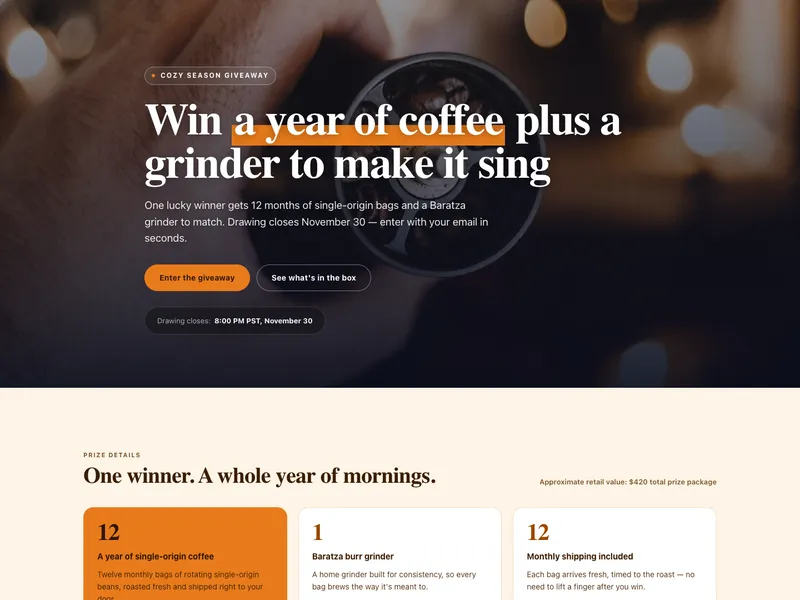
No code needed. Build the page in our editor and we host it, or publish to your own domain with SSL included. Browse page templates
Related features
Put your next campaign in a popup
Launch a viral giveaway, waitlist or opt-in popup on your site in minutes.