Build contest landing pages in minutes
No in-house designer? No problem. Create dedicated landing pages for every audience without touching a line of code, right in the KickoffLabs page builder.
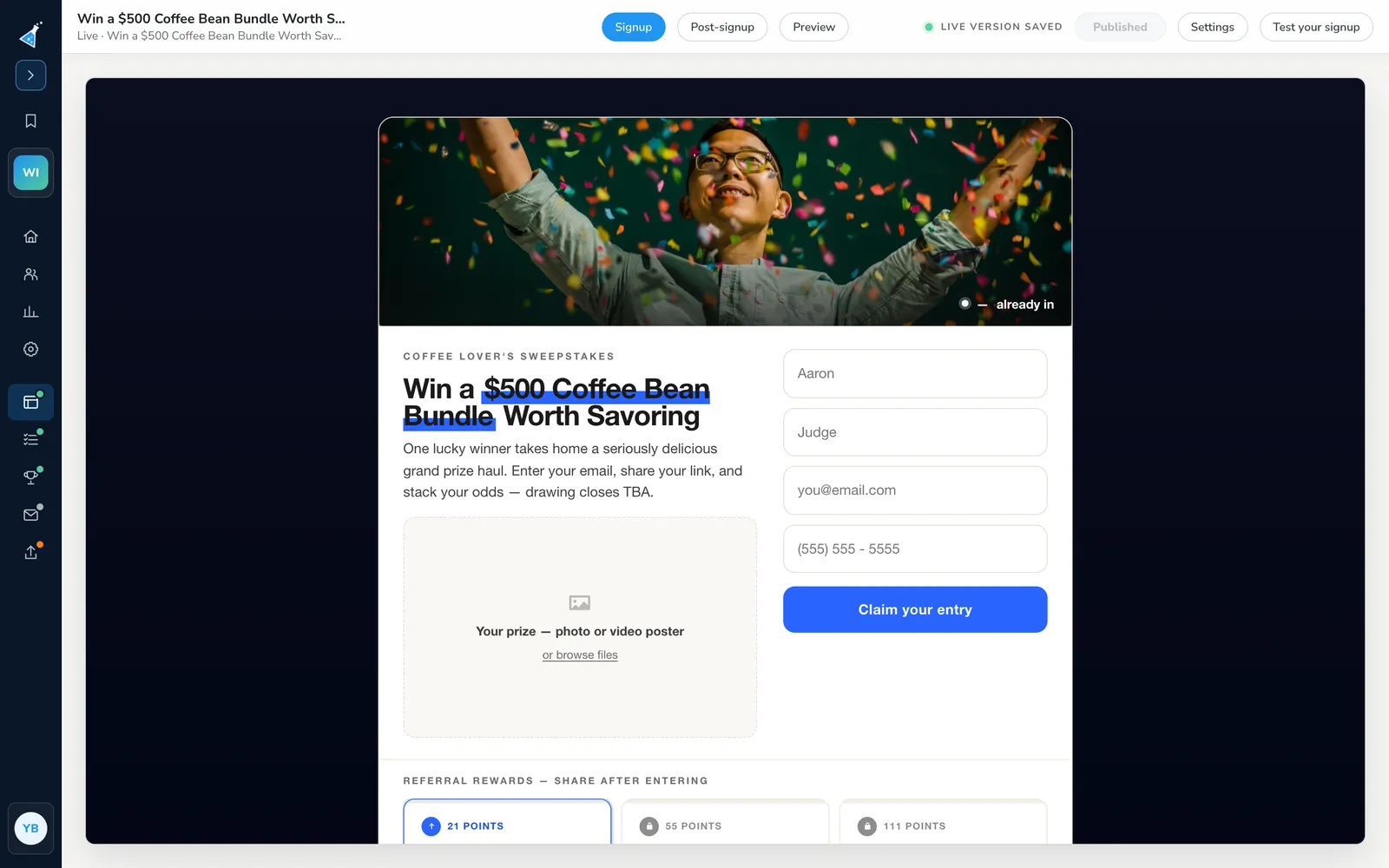
What is the KickoffLabs landing page builder?
It's a no-code page builder for contest, giveaway and waitlist pages. You start from a conversion-focused template and a starter style, then add or remove sections, switch a section's layout, and edit the copy and images in place. Add your logo, colors and fonts, and include sections like a countdown timer, reward tracker or leaderboard. Every page is mobile friendly.
Page builder features
Set up a conversion-focused campaign in minutes.
Everything you need to launch without a developer
Code-free editing tools
Quickly launch branded landing and status pages without a development team. Add a countdown timer, reward tracker, leaderboard, embedded videos and more, all inside the page builder. In the full-page designer, build a longer product or contest page with multiple feature rows. Use Duplicate section to copy an entire customized Feature rows section with its edits, then change the copy to tell the next part of the story.
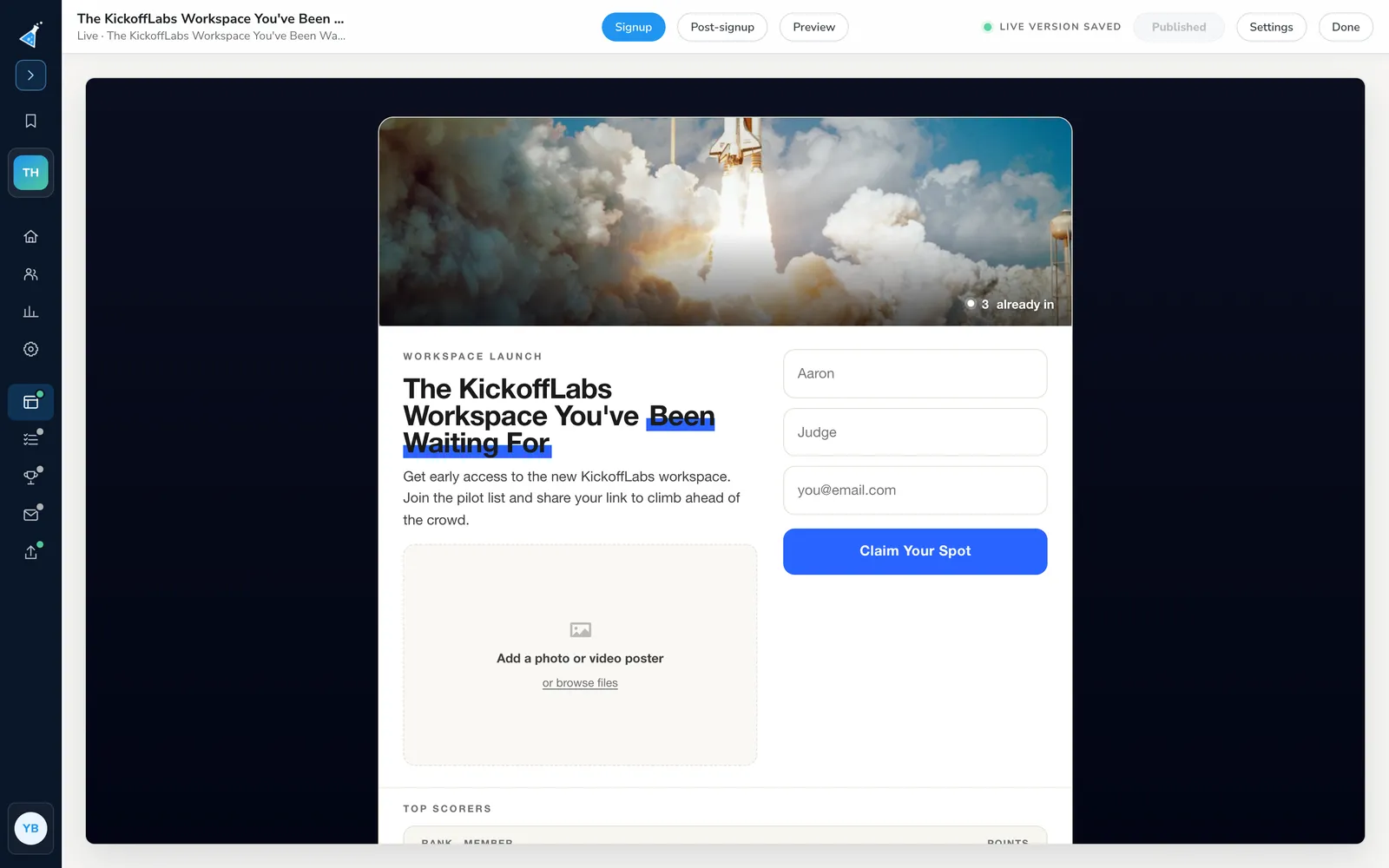
Campaign-wide widgets
Define settings once for common widgets, such as a leaderboard, waitlist or reward tiers, and reuse them on every page in the contest.
About reward levels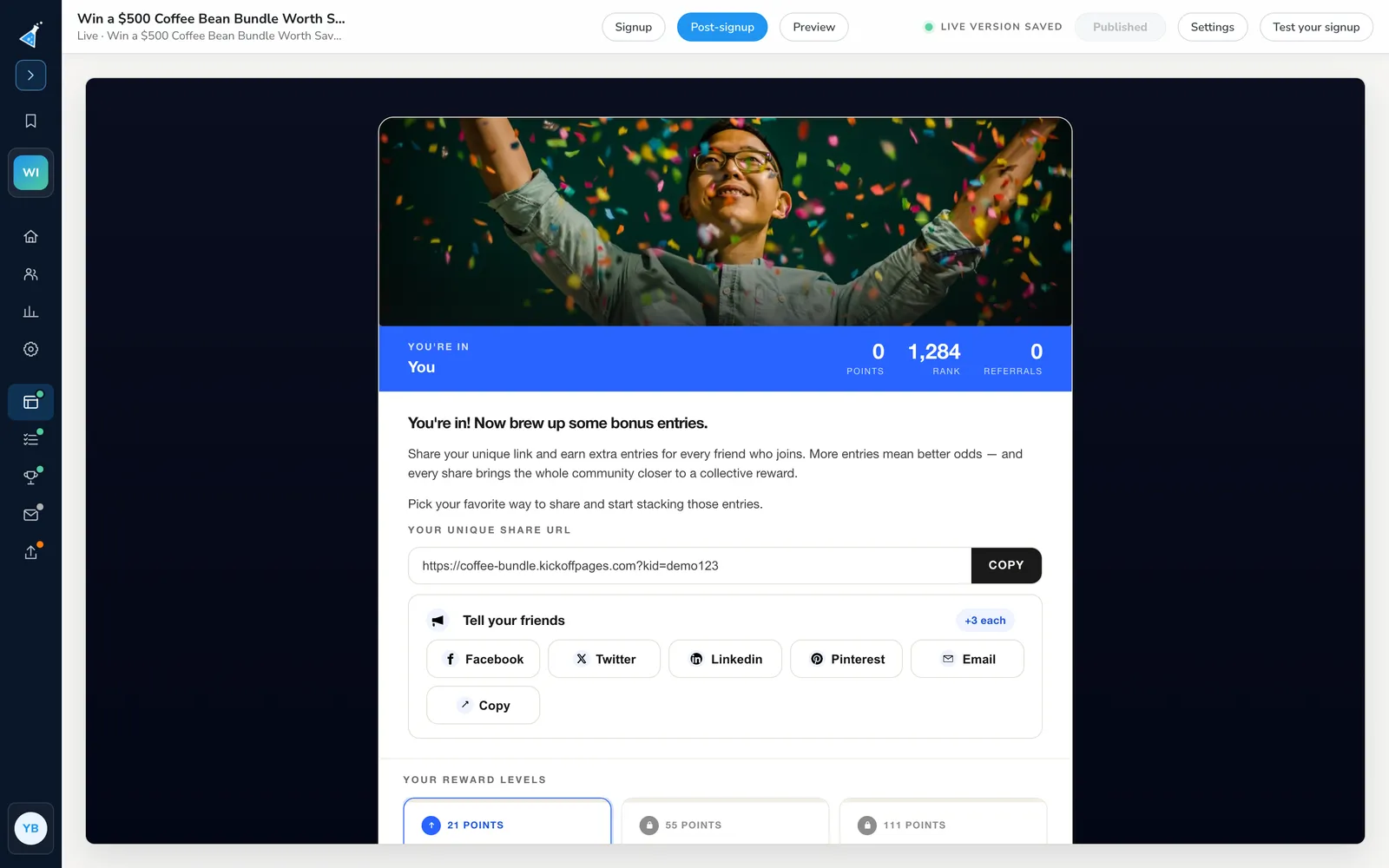
Customizable branding
Start from one of six starter styles, then add your own company logo, customize your brand colors and choose from Google Fonts in the editor, or bring your own.
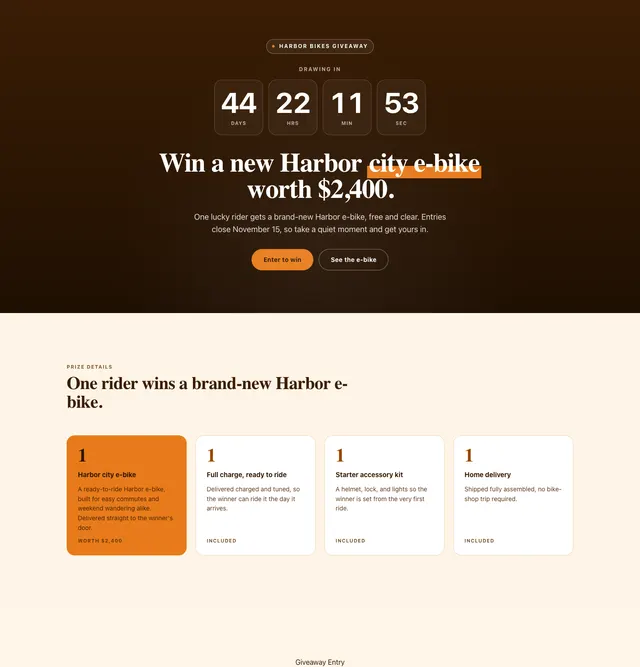
Ready-to-use section templates
Add a section for prize details, how it works, an FAQ or a reward ladder, and remove the ones you don't need. Every section comes with several layouts, so you can change how it looks without starting over. Start from a conversion-focused template and take the guesswork out of design.
Browse landing page templates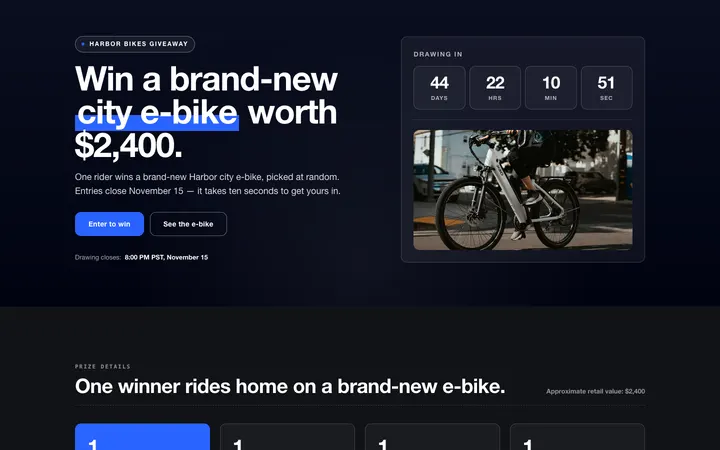
Contest rules and privacy
Define one set of policies and rules that can be shown inside any KickoffLabs page. Use our boilerplate template as a guide to write your own rules.

Show a booking link after signup
Add a Button band from the V7 editor's section tray beneath the signup experience. Set a headline, optional copy and one full http:// or https:// link to your reservation page, booking calendar or shop.
Open the band's toolbar, choose Section settings and set it to After signup. New and returning leads see the next step; anonymous visitors don't. Configurable sections also offer Always and Before signup. Hidden sections remain visible but dimmed in the editor.
Add another Button band when you need another link, and choose whether each button opens in a new tab. A band stays off the published page until its link is valid. Navigation, footer, hero, signup and download sections cannot be hidden.

“Once I logged in to KickoffLabs, the tools were simple but I was also able to easily do custom design. Along with implementing & managing the social referral program for us, it was a no-brainer!”
Related features
Try KickoffLabs for free
Build your first contest landing page in minutes, without a single line of code.