Contents
- The winner announcement is part of the campaign
- Use this five-step winner announcement sequence
- What to verify before you contact the winner
- Template 1: Private giveaway winner notification email
- Template 2: Confirmed winner email
- Template 3: Public social winner announcement
- Template 4: Winner announcement email to all entrants
- Template 5: Non-winner follow-up that does not feel cheap
- Build a three-email non-winner sequence
- Common winner announcement mistakes
- Set up the end before you launch
Do not announce your giveaway winner the second their name comes out of the picker.
That is how you end up deleting a victory post because the “winner” used six fake emails, lives outside the eligible region, or never replies.
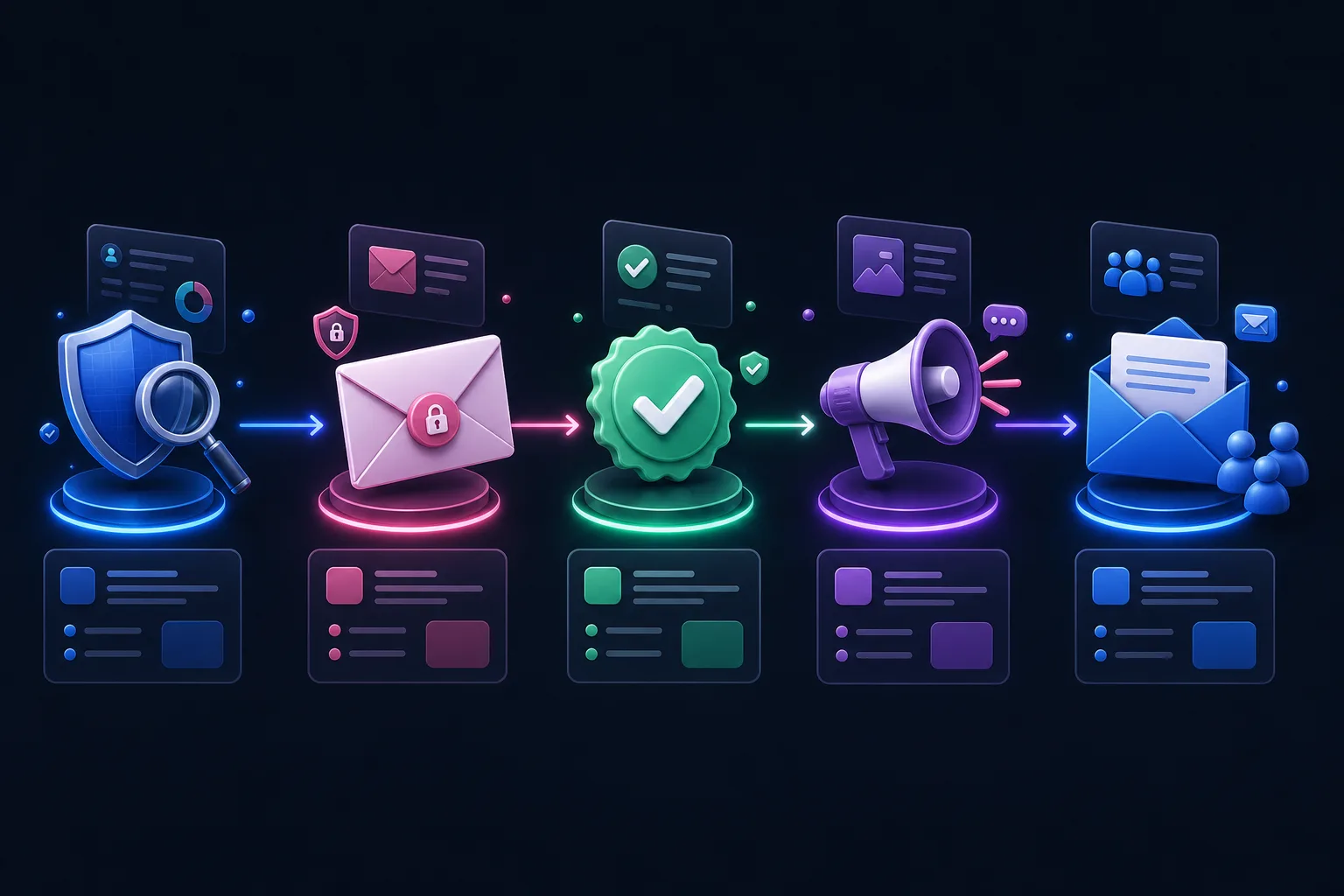
The clean sequence is simple: review the entry, contact the potential winner privately, verify eligibility, get written acceptance, then announce publicly. After that, tell everyone else what happened and give them a useful next step.
Quick answer: A giveaway winner announcement should happen only after the selected entrant has been privately contacted, verified against the official rules, accepted the prize, and granted any needed permission to share their name or content. Announce the confirmed winner by email, social media, and the campaign page. Tell non-winners clearly that the giveaway has ended, thank them, name the prize and confirmed winner when appropriate, and offer a relevant next step without pretending everyone won.

The winner announcement is part of the campaign
Most giveaway plans are detailed right up to the deadline.
There is a landing page. A prize. Rules. Emails. Social posts. Referral links. A countdown timer. Then the plan ends with a lonely bullet that says “announce winner.”
That last step deserves more thought.
A good announcement proves the giveaway was real. It rewards the winner without turning their inbox into a scam magnet. It gives non-winners closure. It also creates a natural handoff from temporary prize interest to an ongoing relationship with your brand.
A bad announcement does the opposite. It creates suspicion, exposes personal information, confuses entrants, and wastes the list you worked to build.
The winner is one person. The audience is the asset.
Use this five-step winner announcement sequence
Follow this order even when you are excited and the social team already has confetti GIFs queued.
- Close entries at the time stated in your official rules. Preserve the eligible entry pool and do not quietly accept late entries.
- Select a potential winner using the method in your rules. That may be random, weighted by legitimate bonus entries, leaderboard-based, or judged against published criteria.
- Review and verify before announcing. Check fraud flags, entry requirements, age, location, deadline, and any required action.
- Notify the potential winner privately. Give a clear response deadline and explain what is needed to accept the prize.
- Announce only after acceptance. Update the campaign page, email entrants, publish social posts, and start your non-winner follow-up.
KickoffLabs’ Pick a Winner feature can draw randomly, weight results by score, apply minimum thresholds, and help you review fraud signals. Our fraud detection tools flag suspicious entries, duplicates, disposable addresses, self-referrals, and other patterns worth reviewing before fulfillment.
The important word is potential.
Your first draw is not always the final winner. Your rules may allow you to select an alternate if the person is ineligible, cannot be reached, misses the response deadline, or declines the prize. Follow the rules you published. Do not improvise them after seeing who won.
What to verify before you contact the winner
Run the selected entry through a short checklist.
- Was the entry submitted before the deadline?
- Is the entrant inside the eligible age and geographic limits?
- Did they complete the required entry method?
- Were bonus entries earned through permitted actions?
- Do fraud, duplicate, bounce, or self-referral signals require review?
- Is the entrant excluded by an employee, household, vendor, or sponsor rule?
- If it was a judged contest, does the entry satisfy the published criteria?
- Does your rules document require an affidavit, release, tax form, or other paperwork?
Do not invent a new disqualification reason because you dislike the winner’s profile. Do not ignore an eligibility rule because the winner has a large audience.
Consistency is the whole point of having official rules.
For legal planning, use our giveaway best-practices guide and have qualified counsel review campaigns where the prize, geography, entry method, or regulated industry raises the stakes. This article is a marketing workflow, not legal advice.
Template 1: Private giveaway winner notification email
The first email should be exciting without sounding like phishing.
Send it from a domain and sender entrants recognize. Name the campaign and prize. Do not ask for passwords, payment, or unnecessary sensitive data. If you need documents, explain why and use a secure process.
Subject: You may be the winner of [Giveaway Name]
Hi [First Name],
Good news: your entry was selected as the potential winner of [Giveaway Name].
The prize is [clear prize description]. Before we confirm and announce the winner, we need to verify that your entry meets the official rules.
Please reply by [date, time, and time zone] to confirm:
- Your full name
- That you meet the age and location requirements
- That you accept the prize and the official rules
- [Any campaign-specific requirement]
You do not need to pay anything to claim this prize. We will never ask for your password.
If we do not hear from you by the deadline, we may select an alternate winner as described in the official rules: [rules link].
Thanks, [Name] [Brand] [Recognizable contact details]
“Congratulations, you won!” is premature until verification is complete. “You may be the winner” or “you were selected as the potential winner” is accurate and gives you room to follow the published process.
Template 2: Confirmed winner email
Once the entrant is verified and accepts, send a confirmation that leaves no mystery about fulfillment.
Subject: Confirmed: You won [Giveaway Name]
Hi [First Name],
You are the confirmed winner of [Giveaway Name]. Congratulations.
Your prize: [description]
What happens next: [shipping, digital delivery, booking, pickup, or fulfillment steps]
Expected timing: [honest date or range]
We plan to announce the winner on [channels] on [date]. We would like to identify you as [first name and last initial / social handle / approved name]. Please reply to confirm that public wording.
If you share a photo, quote, or post about the prize, thank you. Please disclose that you received it through our giveaway so the connection is clear.
Questions? Reply here and we will help.
— [Brand]
The FTC says material connections between a brand and an endorser should be disclosed clearly when they could affect how people evaluate the endorsement. A prize winner posting about a free product has a connection worth making obvious. Read the FTC’s current Endorsement Guides Q&A and give the winner plain-language instructions instead of a vague hashtag buried after the caption.
Template 3: Public social winner announcement
The social post should do four jobs: confirm the giveaway ended, celebrate the winner, thank entrants, and tell people what happens next.
🎉 We have a winner.
Congratulations to [approved winner name or handle], winner of [Giveaway Name] and [prize]. Eligibility was verified and the prize has been accepted.
Thank you to everyone who entered, shared, and invited friends. We loved seeing [specific campaign-relevant behavior, without making an unsupported claim].
Didn’t win? Check your inbox for [a useful resource, next campaign, product update, or honest consolation offer].
Please ignore impersonator accounts. We will never ask you to pay a fee or send your password to claim a prize.
Official details: [campaign or rules link]
Only tag the winner if they agreed. Do not publish their email, mailing address, legal documents, or other private details. A first name and last initial may be enough, depending on your rules and local requirements.
Keep the original giveaway post updated too. Add “CLOSED” at the top and link to the winner update. That prevents late entries and cuts down on “Is this still open?” comments for the next six months.
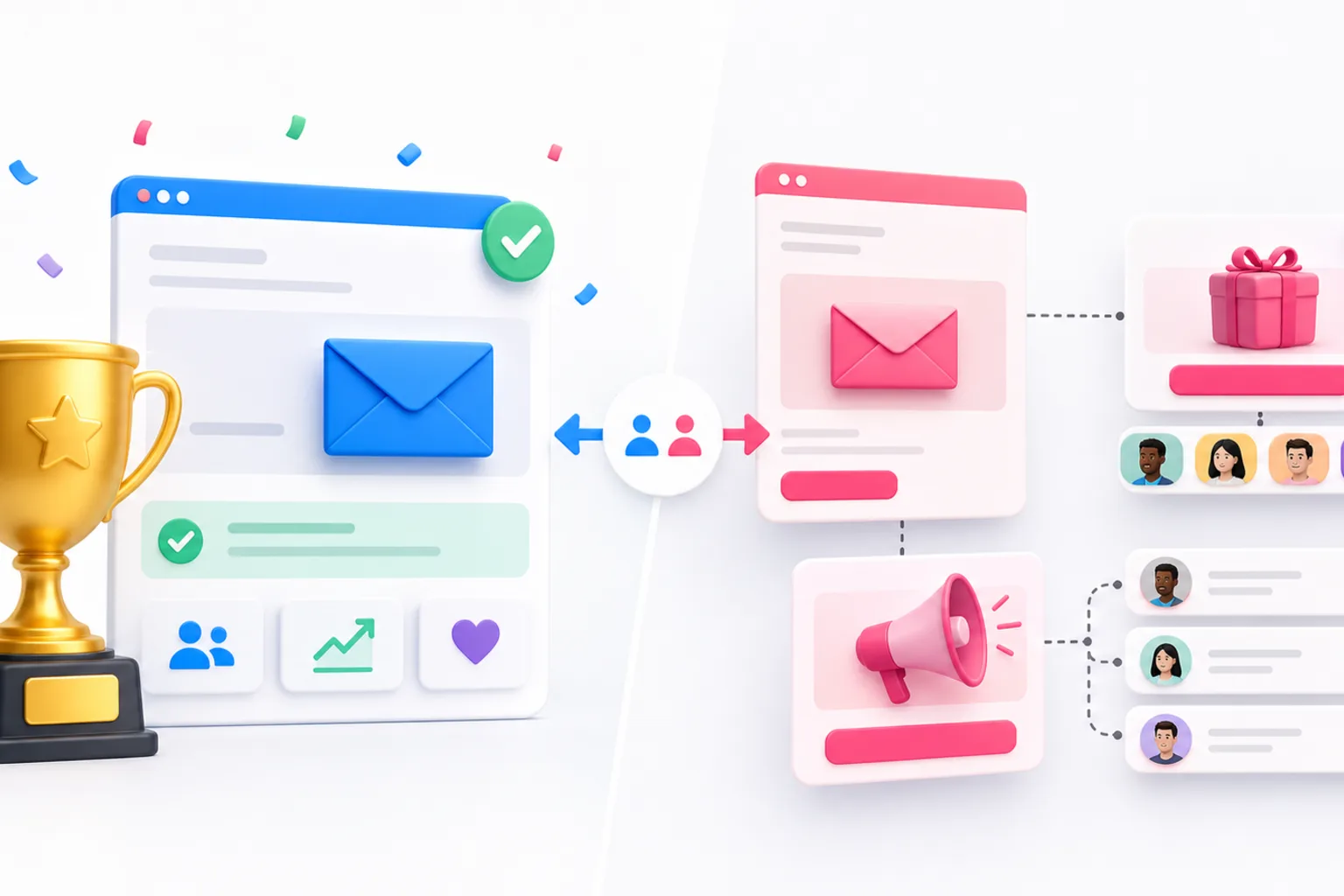
Template 4: Winner announcement email to all entrants
Do not bury the result in a sales pitch.
Subject: The [Giveaway Name] winner is…
Hi [First Name],
[Approved winner name] is the confirmed winner of [Giveaway Name] and [prize]. Congratulations to them, and thank you for entering.
The giveaway is now closed. We verified the winning entry and the prize has been accepted.
You did not win this one. But you can still [specific next step that matches why they entered]:
- [Useful guide, checklist, or product resource]
- [Relevant offer with a real deadline]
- [Next campaign or launch update]
[One sentence explaining why that next step is worth their time.]
Thanks for being part of it, [Brand]
That sentence — “You did not win this one” — is useful. It is direct. Entrants should not have to decode whether an “exclusive winner offer” means they won the prize.
Template 5: Non-winner follow-up that does not feel cheap
A consolation offer works when it connects to the prize and the audience’s original intent.
It fails when every entrant gets an inflated coupon and a fake countdown clock.
Subject: You didn’t win — here’s what comes next
Hi [First Name],
The [Giveaway Name] prize has been claimed. Thanks for joining us.
You entered because [honest reason related to the campaign]. We put together [resource, offer, waitlist, demo, early-access opportunity, or product bundle] to help you take the next step.
[Clear next-step headline]
[Two sentences explaining the value.]
[CTA]
This [offer/resource] is available until [real deadline], and it is completely separate from the giveaway result.
— [Brand]
For a product giveaway, a modest product-specific offer can make sense. For a launch waitlist, early access or a launch update may be better. For a newsletter campaign, send your strongest issue or a practical download.
The prize attracted attention. Your follow-up must prove you are useful without it.
Build a three-email non-winner sequence
One announcement email is closure. A short sequence can turn that attention into a relationship.
Email 1: Result and thanks
Send after the winner accepts. Announce the result, thank everyone, and give one relevant next step.
Email 2: The reason the campaign existed
Send useful content tied to the problem behind the prize. If you gave away launch equipment, share a launch checklist. If you gave away your product, show a practical use case. If you built a waitlist, explain what happens before launch.
Email 3: A clear offer or invitation
Ask for one action: buy, join, book, subscribe, enter the next campaign, or invite a friend. Do not stack five buttons and hope one wins.
If these messages promote a commercial product or service, follow applicable email rules. The FTC’s CAN-SPAM compliance guide calls for accurate headers and subject lines, a valid postal address, a clear opt-out method, and timely handling of opt-out requests. Consent and privacy rules vary by location, so segment your list and get legal guidance for the markets you serve.
Common winner announcement mistakes
Announcing before acceptance
The selected entrant may be ineligible, unreachable, or unwilling to accept. Verify first. Post second.
Contacting the winner only through a social DM
DMs disappear into request folders and are easy to impersonate. Use the contact method stated in your rules, and email from a recognizable domain when you collected email entries.
Asking the winner to pay
A legitimate winner should not have to send a “release fee,” gift card, password, or payment to claim the prize. Say that plainly in your notification.
Sharing too much personal information
Celebrate the winner, not their home address. Get permission for the public identifier and any photo, quote, or user-generated content you plan to share.
Saying everyone is a winner
They are not. An honest consolation offer is fine. Deceptive “you won a discount” copy burns trust.
Forgetting the campaign page
Change the page state from active to closed. Remove or disable entry actions, update the deadline message, and publish the result or a link to it.
Treating non-winners like a disposable list
They gave you attention and information. Follow through with useful content, sensible frequency, clear preferences, and an easy opt-out.
Set up the end before you launch
You should write the winner announcement before the giveaway begins.
That forces you to answer the awkward questions while there is still time:
- What exact name can we publish?
- How long does the potential winner have to respond?
- How do we choose an alternate?
- Who reviews fraud and eligibility?
- How is the prize fulfilled?
- What happens to the landing page after close?
- What will non-winners receive?
- Which email list or segment will entrants join?
KickoffLabs can manage the campaign page, entry records, referral and bonus-entry tracking, fraud review, winner selection, and automated email path. Start with a sweepstakes campaign, add referral tracking when sharing should earn entries, and connect your email platform before launch.
Do not build a great giveaway and improvise the ending.
Verify privately. Announce clearly. Thank everyone. Then give the audience a reason to stay.