Fill the room with guests who bring guests
An RSVP page is a lead capture page with a date on it. Collect registrations, count down to the day, and reward the guests who bring friends so the list keeps growing after you stop promoting it.
What is an event promotion campaign?
It is an RSVP page with a countdown that rewards sharing. Guests register, get a personal invite link, and earn a perk, like priority entry or a goodie bag, for the friends who register through it. In KickoffLabs you build one from the Lead magnet type with the Event Signup or Event Referral Ticket Race recipe; we host the page, screen RSVPs for fraud, and sync every guest to your email platform.
From RSVP to full room, in three steps
The countdown does half the work; the invite links do the rest.
A guest registers on a hosted page, an embed, or a popup, under a live countdown to the date.
Each guest gets an invite link and unlocks perks at the referral counts you set.
Every RSVP syncs to your email platform with its invite count, so reminders and day-of messages go out from the tool you already use.
How an event page fills the room
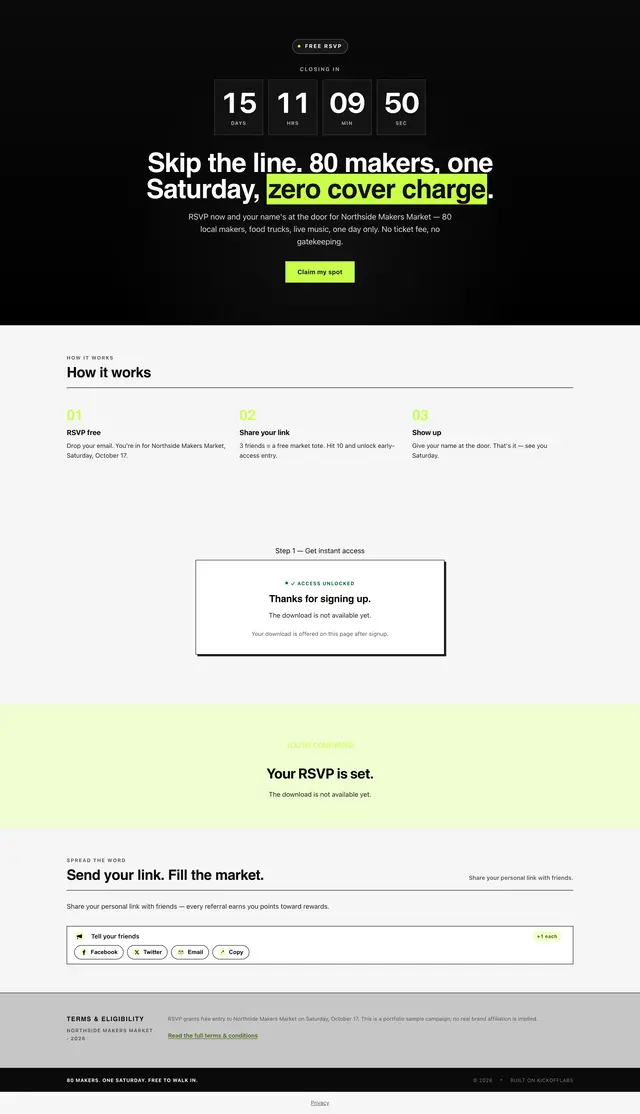
An RSVP page for a one-day craft fair. A countdown sets the deadline, three steps explain the deal, and guests earn perks for bringing friends.
-
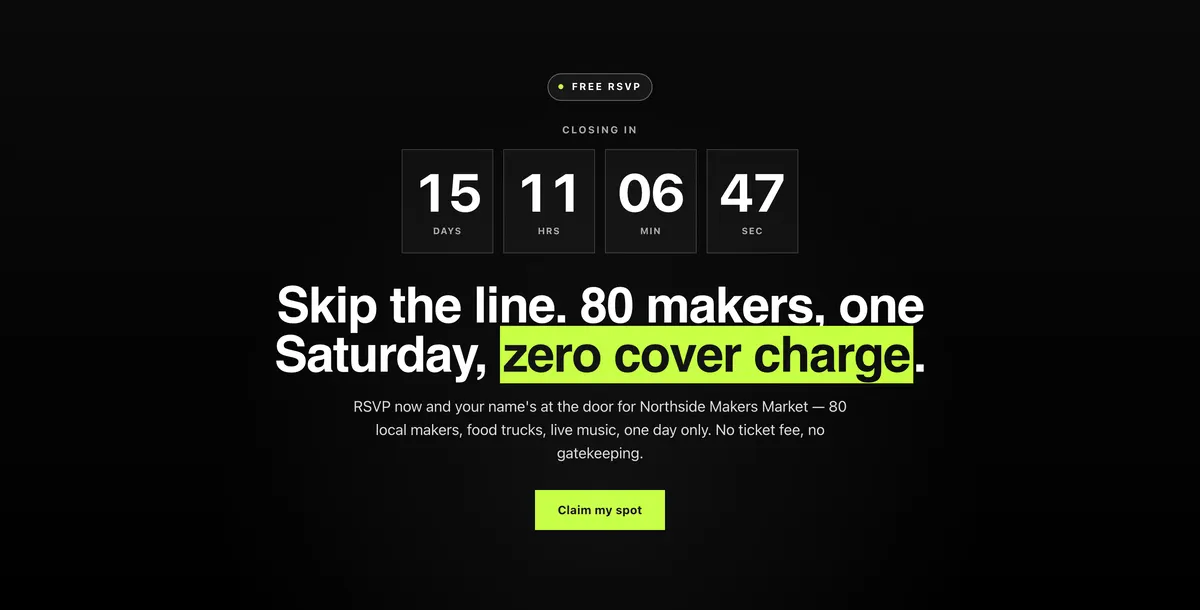
Countdown to the event
- The timer reads the event date set in the campaign, so it never goes stale.
- One button to claim a spot.
-
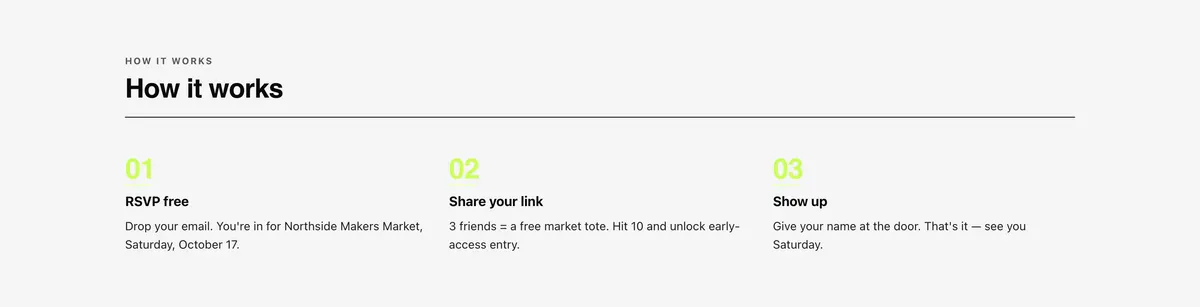
Three steps from RSVP to the door
- RSVP free, share your link, show up.
- The perks for 3 and 10 referrals are spelled out before anyone signs up.
-
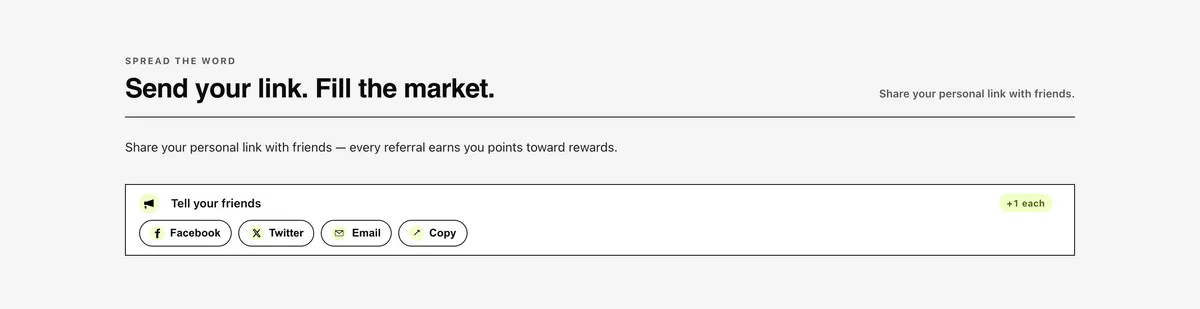
Share to earn perks
After signup- Guests get a personal link and share buttons right after they RSVP.
- Each referral counts toward the tote and the early-access hour.
Built for launches, webinars, and pop-ups
Ways to run an event campaign
Two event recipes live under Lead magnet in the builder. Start from one, then switch mechanics on or off.
RSVPs under a live countdown to the date. No referral step unless you switch one on.
Learn more Event Referral Ticket RaceThe countdown plus invite links: guests who bring friends earn perks on the day.
Learn more Launch waitlistNot ready to name a date? Collect the interested list first and invite them when you are.
Learn more Webinar lead magnetTrade the recording or the slide deck for an email address after the event ends.
Learn more
“Our campaign was very easy to set up, very easy to do it. And I believe we even had a call with you guys.”
How can you run a KickoffLabs campaign?
We're flexible. Run it as a hosted landing page, an embedded widget or a popup, or connect a form you already have.
<script src="https://b.kickoffpages.com/2.2.0/kol.js" id="koljs" data-campaign-id="YOUR_CAMPAIGN_ID" defer></script>
<div data-kol-snippet="embedpage" class="kol-embed-page-frame"
  data-settings='{"pageID":"YOUR_PAGE_ID"}'></div>
<script src="https://b.kickoffpages.com/2.2.0/kol.js" id="koljs" data-campaign-id="YOUR_CAMPAIGN_ID" defer></script>
<script src="https://b.kickoffpages.com/2.2.0/kol.js" id="koljs" data-campaign-id="YOUR_CAMPAIGN_ID" defer></script>
No code needed. Build the page in our editor and we host it, or publish to your own domain with SSL included. Browse page templates
Everything an event campaign needs, built in
Just a sample of what you get with KickoffLabs, on every plan.
A live countdown to the event date, right on the RSVP page.
Automatic emails at signup and at every reward milestone.
Fake entries and self-referrals flagged automatically.
A shared signup target with a progress meter everyone fills toward.
Publish a compact signup box to embed, or a long-form page with the offer and rules.
Mailchimp, ActiveCampaign, Kit, AWeber, Zapier, webhooks.
Collect verified phone numbers to make sure leads are real.
Unique discount codes delivered on entry or at reward levels.
Event promotion questions
Can I use this for a webinar as well as an in-person event?
How do referral rewards work for an event?
Does KickoffLabs send the reminder emails?
Where do I find event campaigns in the builder?
Plan the event campaign
Templates, features, and rules for running a promotion with a date attached.
An event page with the countdown and the invite mechanic already wired up.
The pieces of an event campaign you would otherwise build yourself.
The moment you attach a prize to an RSVP, prize-promotion rules apply.
Ready to fill the room?
Build an RSVP page where every guest has a reason to bring the next one.